
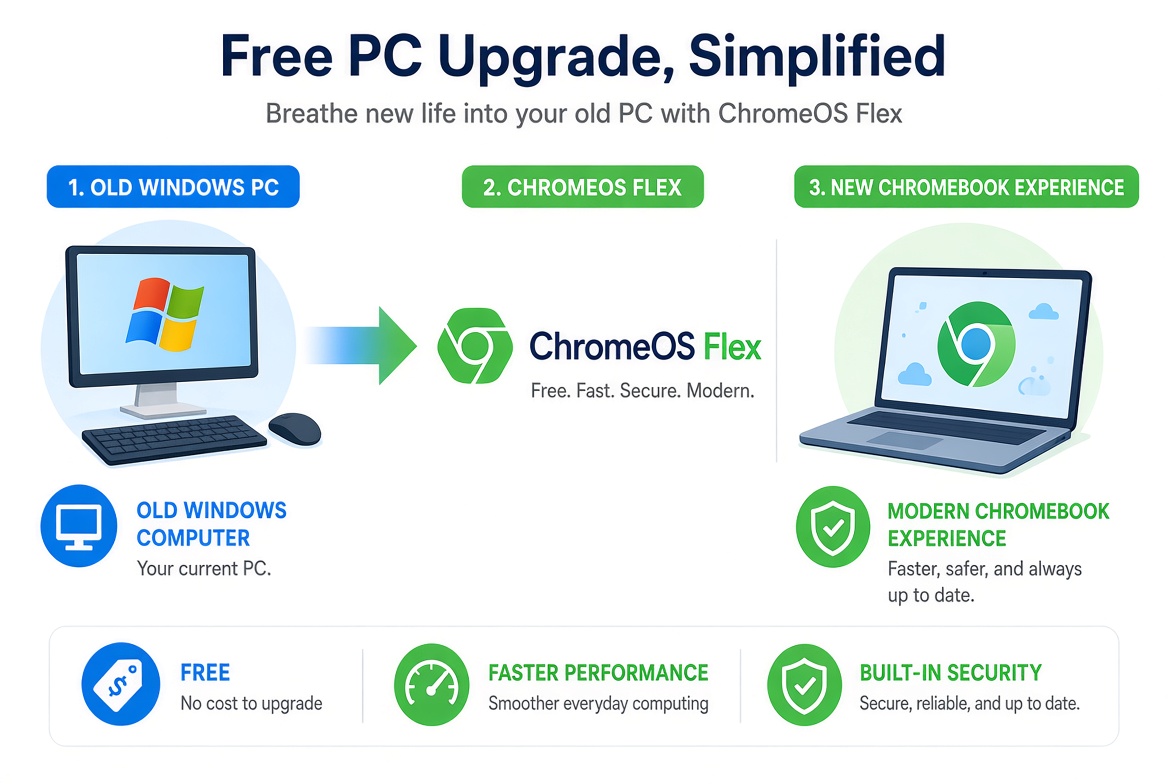
Google is rolling out a free PC upgrade plan aimed at up to 500 million Windows users. The move is designed to help people move away from aging Windows machines and onto Chromebooks or ChromeOS Flex devices without paying for new hardware right away.
This is one of the biggest free upgrade pushes Google has made in years. Here’s a clear breakdown of what the plan includes, who can use it, and what you should know before switching.
What Exactly Is Google’s Free PC Upgrade Plan?
Google is giving eligible Windows users a straightforward path to ChromeOS. The main options are:
- ChromeOS Flex: Install Google’s operating system on your existing Windows PC or laptop for free.
- New Chromebook deals and trade-in support: In some regions Google is pairing the software option with discounts or trade-in offers on new Chromebooks.
- Cloud and AI features: Once on ChromeOS, users get access to Google’s latest AI tools, automatic updates, and stronger security features that many older Windows machines no longer receive.
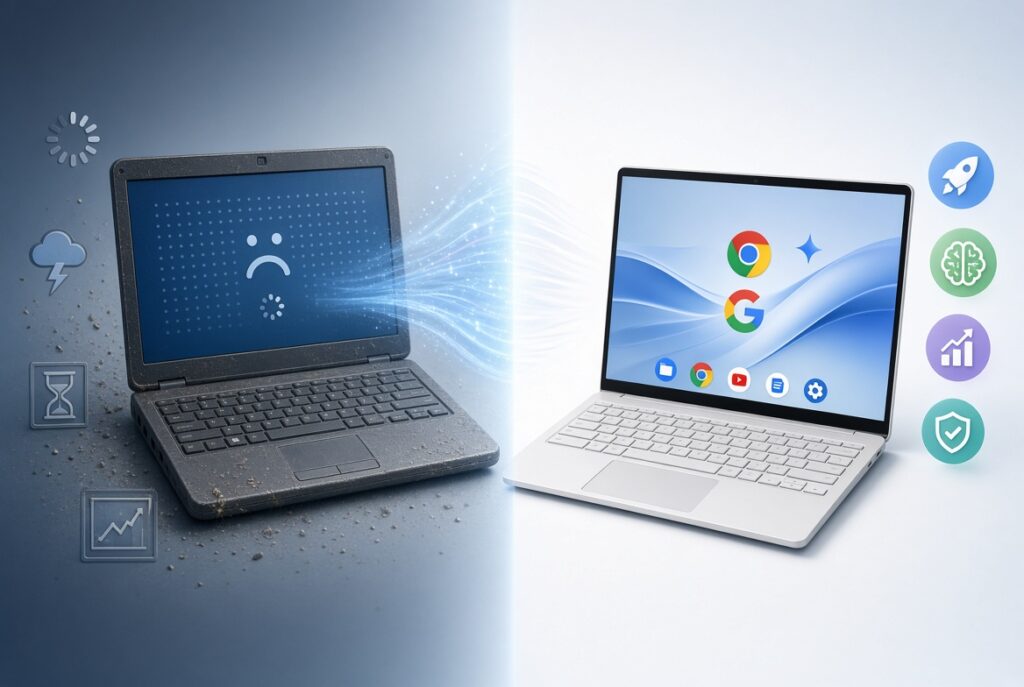
The goal is simple. Millions of PCs still run older versions of Windows that are no longer fully supported. Google wants those users to keep their hardware useful instead of throwing it away.
Who Qualifies?
Most people with a Windows PC from the last 8–10 years can try ChromeOS Flex. Google provides a list of certified models that work best, but many other machines also run it successfully.
You will need:
- A PC or laptop with at least 8 GB of RAM (4 GB can work but feels slow)
- 16 GB or more of storage
- A USB drive to create the installer
- An internet connection for the initial setup
Google has stated the plan targets roughly 500 million Windows devices still in use worldwide.
How to Get the Free Upgrade
- Go to the official ChromeOS Flex page on Google’s site.
- Download the Chromebook Recovery Utility.
- Create a bootable USB installer.
- Restart your PC and boot from the USB.
- Follow the on-screen steps to install ChromeOS Flex.
You can try it first without wiping your Windows installation (live mode). If you like it, you can then install it permanently. Your files can be backed up to Google Drive or an external drive before the final install.
Pros and Cons
Advantages
- Completely free software upgrade
- Faster performance on older hardware in many cases
- Automatic security updates for years
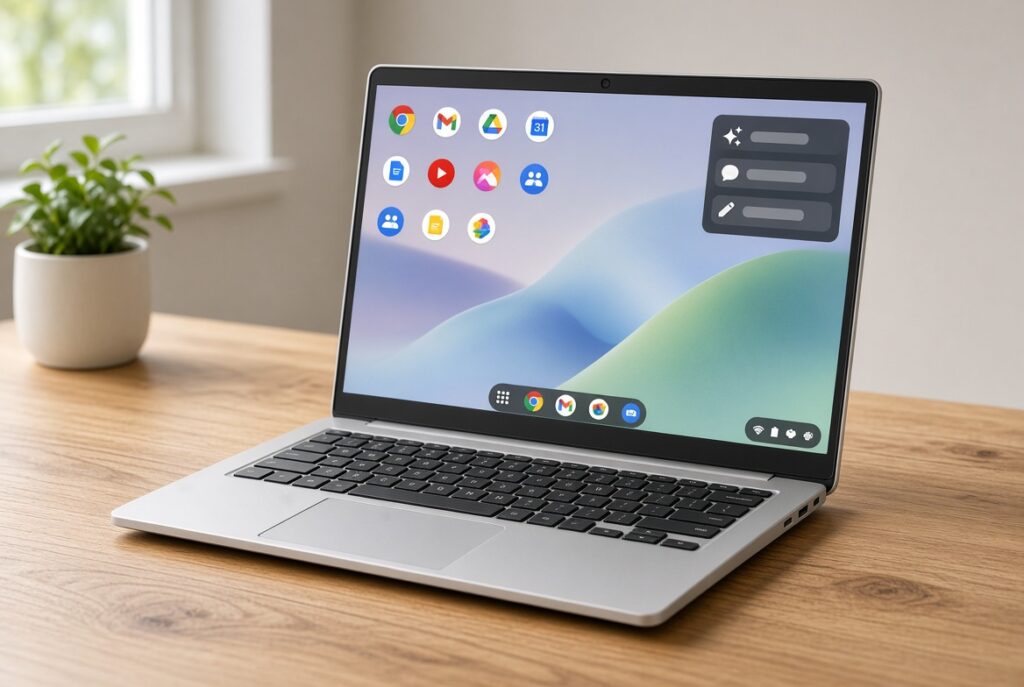
- Built-in Google AI tools and seamless integration with Gmail, Drive, Docs, and YouTube
- Strong malware protection
Drawbacks
- Some Windows-only software will not run (though many programs work through Android apps or web versions)
- Gaming and heavy professional software can be limited
- You need to learn a slightly different interface
For everyday tasks — browsing, email, documents, video calls, and streaming — most people find ChromeOS more than enough.
Why Google Is Doing This Now
Windows support timelines and the rise of AI features have created a large group of users stuck on aging machines. Google sees an opportunity to grow its ChromeOS user base while offering a practical free alternative. The timing also lines up with Google’s broader push into AI tools for regular households and small businesses.
Should You Switch?
If your Windows PC feels slow, no longer receives important updates, or you mainly use the web and Google services, ChromeOS Flex is worth trying. It costs nothing and you can test it before committing.
If you rely on specialized Windows software for work, keep your current setup or look at a new Windows machine instead.
Final Thoughts
Google’s free PC upgrade plan gives millions of people a real option to keep using their existing hardware with a modern, secure operating system. It is one of the most practical free upgrades available in 2026 for everyday computer users.
Check Google’s official ChromeOS Flex page for the latest certified models and download links. The process is straightforward and completely free.