Physical Address
304 North Cardinal St.
Dorchester Center, MA 02124
Physical Address
304 North Cardinal St.
Dorchester Center, MA 02124

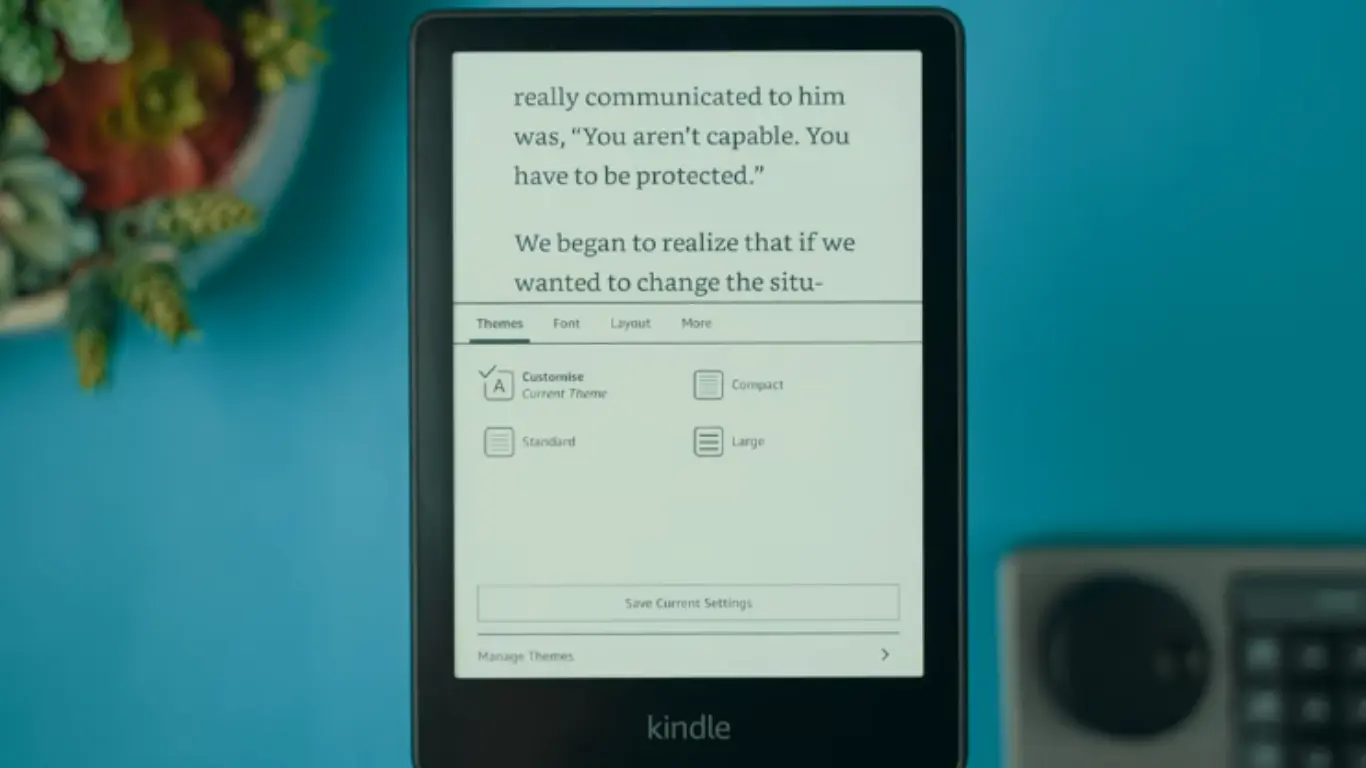
Still a pain in the ass for your favorite Kindle. Well, Amazon will end support for some older models on May 20, 2026—especially if you’re still loyal to their page-turn button. With a few simple fixes (and some more advanced methods if you want to try something a little more advanced, here’s how), you can keep your Kindle running for years. And if you’re ready to move on, there are some good options to consider.
Starting May 20, 2026, Amazon will end support for some older Kindle devices. This will mainly affect Kindles released in 2012 or earlier. If you’re using one of these older devices, some features will change, but your Kindle won’t suddenly stop working.
After May 2026, you won’t be able to buy new books directly from the Kindle Store on your old device. You also won’t be able to download new books to your Amazon account using the device. Another important change is that if you factory reset your old Kindle after this date, you may not be able to re-register it.
However, there is good news. Your old Kindle will continue to read books you’ve already downloaded. All your saved books will remain on the device, and you can continue reading them anytime. You can also add books manually using a computer and USB cable.
These changes are being made because older devices use older technology that is difficult to support and secure. However, your Kindle can still serve as a simple offline reading device.
Starting May 20, 2026, Amazon is ending support for Kindle e-readers and Fire tablets released in 2012 or earlier. This means users will no longer be able to purchase, borrow, or download new content directly from the Kindle Store. While these older devices can still be used for existing content, they cannot be re-registered if they are reset.
Yes, you can still use your old Kindle to read previously downloaded books after May 20, 2026, but this will end access to the Amazon Kindle Store, cloud services, and wireless or ‘over-the-air’ downloads. It will not be ‘bricked’ but will only act as a local reader and cannot be re-registered or factory-reset.
After May 2026, some online features may not work on some older Kindle devices, but you can still use your device. First, save your favorite books by downloading them first so they stay on your Kindle. To save battery life, turn on Wi-Fi only when you need it. Charge your battery regularly and don’t let it drain completely. You can also transfer books from your computer using a USB cable. Use airplane mode to minimize updates. With easy maintenance and saved books, your old Kindle can be great for daily reading without the hassle of an Internet connection.
Whether to upgrade or keep your old Kindle depends on how you use it. If your device still turns on, charges, and lets you read your saved books, you probably don’t need a new one. Keeping your old Kindle saves money and reduces waste. However, if your Kindle is very slow, drains the battery quickly, or you want new features like faster page turns, a brighter screen, or better storage, it may be worth upgrading. Consider your budget and reading habits before making a decision. If reading offline is enough for you, keeping your old Kindle is a smart and easy decision. If you want powerful internet features and long-term software support, upgrading is also a good idea.
If you take care of your old Kindle by following a few simple steps, it can still be useful beyond May 2026. Download your favorite books, save battery life, and read offline whenever possible. If you want faster performance, better features, and longer-lasting support, upgrading to a new Kindle can be a good decision, but it’s not always necessary. If your current device still works well, keeping it will save you money and reduce electronic waste. Ultimately, the best decision depends on your needs, budget, and reading habits. With proper care, your old Kindle can become a reliable reading companion for years to come.