
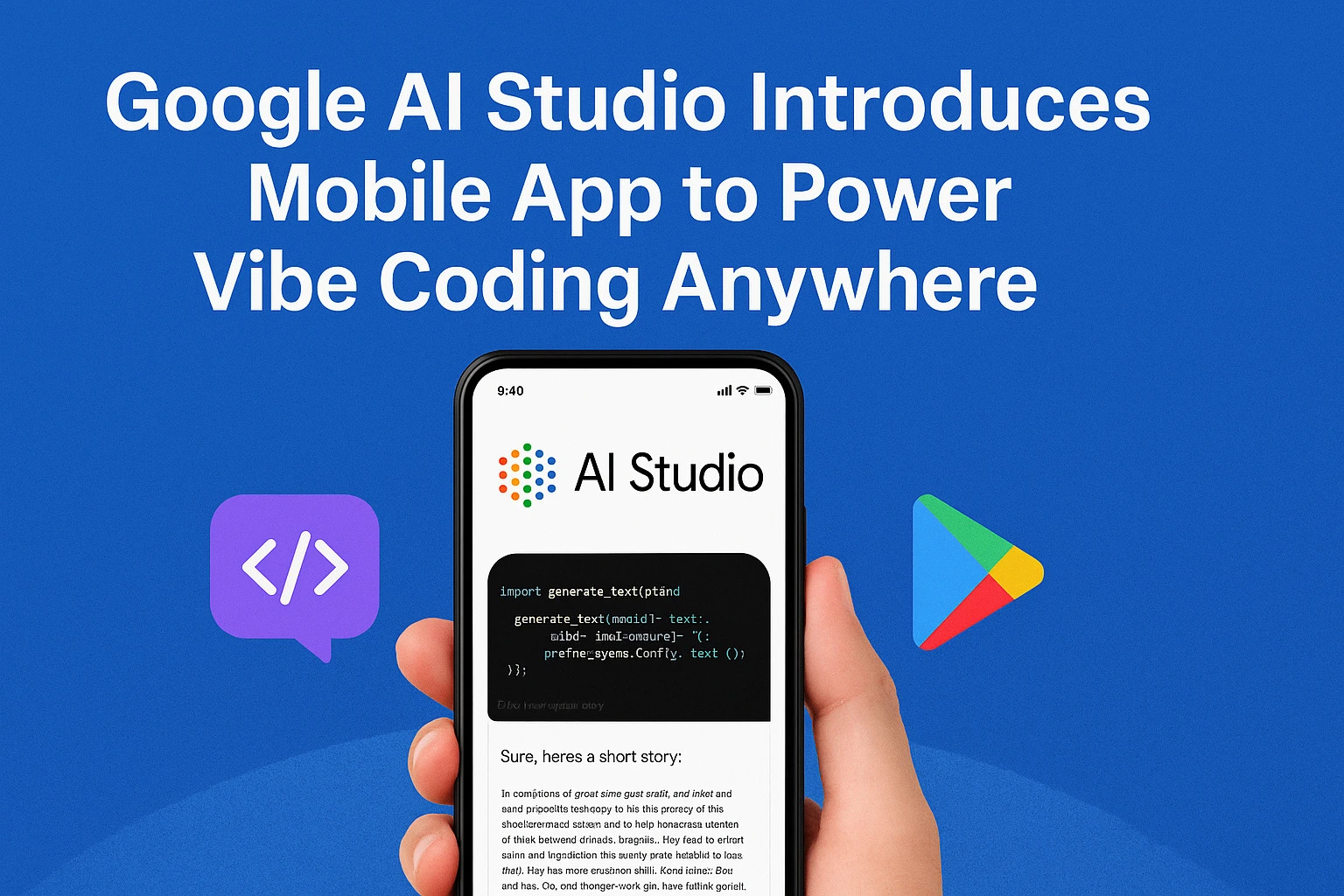
Google has taken a significant step toward reshaping how and where software is created. With the launch of the Google AI Studio mobile app, the company is making AI-assisted development truly portable. Creators can now brainstorm, build, test, and refine ideas directly from their smartphones—no desk, laptop, or traditional coding environment required.
This shift introduces what Google and developers alike are calling “Vibe Coding”: a more natural, intuitive way to create software by describing ideas in plain language and letting AI handle the technical heavy lifting. Whether you are commuting, traveling, or simply away from your workstation, coding is no longer confined to a fixed location.
Note: This article is a technology analysis based on publicly discussed AI development trends and creator workflows. It reflects an observational perspective rather than an official product announcement from Google.
From a Creator & Workflow Perspective
As a digital creator who follows AI tools from a productivity and workflow standpoint, I’ve noticed that most ideas fail not because they’re bad, but because capturing them requires friction. Mobile-first AI tools reduce that gap by allowing creators to document and prototype ideas the moment inspiration strikes.
Limitations Developers Should Keep in Mind
Mobile screens are not ideal for complex debugging
Generated code still requires human review
Not suitable for production-level deployment
Best used for ideation, drafts, and experimentation
Understanding Google AI Studio
Google wants proof of insight, not just interpretation, as a streamlined platform for AI-powered development. It allows users to interact with advanced models through natural language prompts, making experimentation and prototyping faster and more accessible. Instead of wrestling with configurations or boilerplate code, developers can focus on ideas, logic, and outcomes.
The platform supports tasks such as:
- Generating code snippets
- Prototyping application logic
- Experimenting with AI models
- Refining prompts and workflows
With the mobile app, these capabilities are no longer tied to a desktop environment. The same tools are now accessible in a compact, touch-friendly interface designed for on-the-go creativity.
Why Google Chose to Go Mobile Now
The timing of this release is not accidental. The way people work has changed dramatically over the past few years. Remote work, freelance development, and digital nomad lifestyles have become mainstream. Inspiration no longer arrives only during office hours—it strikes anywhere.
Developers increasingly want tools that adapt to their lives, not the other way around. Based on Google’s recent focus on mobile-first creator tools, this move aligns with it because capturing them requires opening a laptop or setting up a development environment. The mobile AI Studio app removes that friction entirely.
By turning coding into something as immediate as messaging, Google is responding to a real shift in developer behavior.
The Philosophy Behind “Vibe Coding”
At the heart of this mobile app is the concept of Vibe Coding. Rather than focusing on strict syntax, file structures, or programming languages, users describe what they want to build in natural language. The AI interprets intent and generates functional code.
Google AI Studio Vibe Coding is not about replacing developers—it’s about keeping them in a creative flow. When developers are in a “vibe,” ideas move quickly. Interruptions like syntax errors or setup issues can break momentum. This approach minimizes those interruptions.
It is especially valuable during early-stage ideation, where speed matters more than perfection. You capture the idea first and refine it later.
Key Features of the Google AI Studio Mobile App
The mobile app is designed with simplicity and flexibility in mind. Google has avoided overloading the interface, focusing instead on what matters most when working from a phone.
Intuitive Mobile Interface
The layout is clean and responsive, optimized for small screens without sacrificing functionality. Navigation feels natural, even for users new to AI-assisted development.
Real-Time AI Code Generation
Users can type or dictate prompts and see code generated instantly. This allows for rapid experimentation, even during short breaks or travel.
Cloud-Based Syncing
All projects are stored in the cloud, ensuring seamless transitions between mobile and desktop. A prototype started on a phone can be polished later on a larger screen without any manual transfers.
Beginner-Friendly Design
While powerful enough for experienced developers, the app is approachable for beginners. Clear prompts and AI assistance lower the barrier to entry.
What Developers and Creators Gain
The mobile version of Google AI Studio unlocks several practical advantages.
Always-On Creativity
Google AI Studio Ideas can be captured the moment they appear. There is no need to wait until you are back at your desk.
Faster Prototyping
Developers can create quick proofs of concept in minutes, making it easier to test assumptions and refine direction early.
Better Collaboration
Teams can share ideas and drafts more fluidly, especially in remote or distributed environments.
Reduced Cognitive Load
By handling repetitive or technical tasks, AI allows developers to focus on problem-solving and design rather than syntax.
Who Is This App For?
The beauty of Google AI Studio’s mobile app lies in its versatility.
- Professional developers can use it for quick drafts and idea validation.
- Startup founders can sketch MVP logic without needing a full development setup.
- Students and beginners can explore coding concepts without intimidation.
- Content creators and marketers can generate scripts, automation, or workflows on demand.
This broad appeal reinforces Google’s aim to democratize development, making creation accessible beyond traditional coding circles.
Trust, Reliability, and Responsible AI Use
From an E-E-A-T perspective, Google’s credibility plays a significant role. As a long-standing leader in AI research and infrastructure, Google brings technical authority and reliability to the platform.
The mobile app benefits from:
- Secure cloud infrastructure
- Established AI safety practices
- Continuous updates and improvements
Users can trust that their work is backed by robust systems designed for scale and privacy.
How This Changes the Future of Coding
The launch of Google AI Studio on mobile reflects a broader transformation in software development. Coding is becoming less about mastering tools and more about expressing ideas clearly.
Tools like this empower people to build without deep technical backgrounds while still offering value to experienced engineers.
This is not the end of traditional coding—but it is a strong step toward a more inclusive, flexible future.
My Hands-On Experience with Google AI Studio Mobile
I tested Google AI Studio’s mobile app by using it to draft a simple content automation workflow while away from my desktop. On a mobile screen, idea capture felt fast and frictionless, especially for outlining logic and prompt structure. However, reviewing longer code blocks was noticeably harder compared to desktop, reinforcing that the app works best for ideation rather than production work.
Final Thoughts
Google’s AI Studio mobile app represents more than a convenience upgrade. It signals a future where creativity is no longer limited by location, hardware, or setup. With Vibe Coding, developers can stay in flow, capture inspiration instantly, and build wherever life takes them.
By putting powerful AI tools into a smartphone, Google is redefining what it means to code—and who gets to do it.
This article focuses on how Google AI Studio’s mobile app fits into real-world creator workflows, rather than listing product features or official announcements.
Frequently Asked Questions
What is vibe coding?
Google AI Studio Vibe Coding is a creative approach where developers describe ideas in natural language, and AI generates the corresponding code.
Is the app suitable for beginners?
Yes. The interface and AI guidance are designed to be intuitive for users at all skill levels.
Does it sync with the desktop version?
Yes. All projects are cloud-based and accessible across devices.
Is the app available on Android and iOS?
Google is rolling it out across major mobile platforms.
What can users build with it?
Google AI Studio users can prototype apps, generate scripts, test logic, brainstorm workflows, and explore AI-driven ideas on the go.
About the Author
Amal Ghosal is a digital marketer and creator-focused writer who analyzes AI tools from a productivity, workflow, and digital creation perspective. His content focuses on how emerging technologies affect real-world creators rather than internal product engineering.
This article does not represent official documentation or endorsements from Google
3 thoughts on “What Google AI Studio’s Mobile App Could Mean for Vibe Coding and Mobile Development”